Choose the party format before the activities
Start with where the party happens and how long people will stay. A two-hour drinks gathering in the office needs light, drop-in activities. A seated dinner at a restaurant has natural pauses between courses. A rented venue or rooftop gives you room for music, a screen and a proper wind-down.
Pick one main moment, like a dinner, a quiz or a short awards round, then add a few things people can join whenever they like. That mix keeps the night moving without anyone feeling put on the spot.
Low-budget office Christmas party ideas
A small budget works best when the effort goes into one or two things people will remember, not decorations nobody notices.
- Festive potluck lunch: everyone brings one dish, the company covers drinks and dessert
- Secret Santa with a low price limit: quick, familiar and inclusive
- Christmas jumper day with a vote for the best one
- Hot chocolate or dessert station: gives people a reason to wander and chat
- A team playlist: everyone adds two songs before the day
Ideas for bigger teams and the work Christmas do
With 40 people or more, shared moments matter more than individual games. Choose things that work for a room full of people who do not all know each other.
- Christmas quiz in small mixed teams: breaks up the usual groups
- Short thank-you round: three minutes of shout-outs instead of long speeches
- Live photo wall on the venue screen: everyone contributes from their own phone
- A themed dress code everyone can manage, such as 'something sparkly'
- A late-evening dessert or late-night snack drop to keep the second half going
Ideas for remote and hybrid teams
If part of the team cannot be in the room, give them something to do that does not depend on audio from across a busy venue.
- Send a small treat box to remote colleagues before the party
- Run the quiz on a shared screen so remote players see the same questions
- Ask remote colleagues to add a photo of their own festive set-up to the same photo wall
Try a live guest photo wall
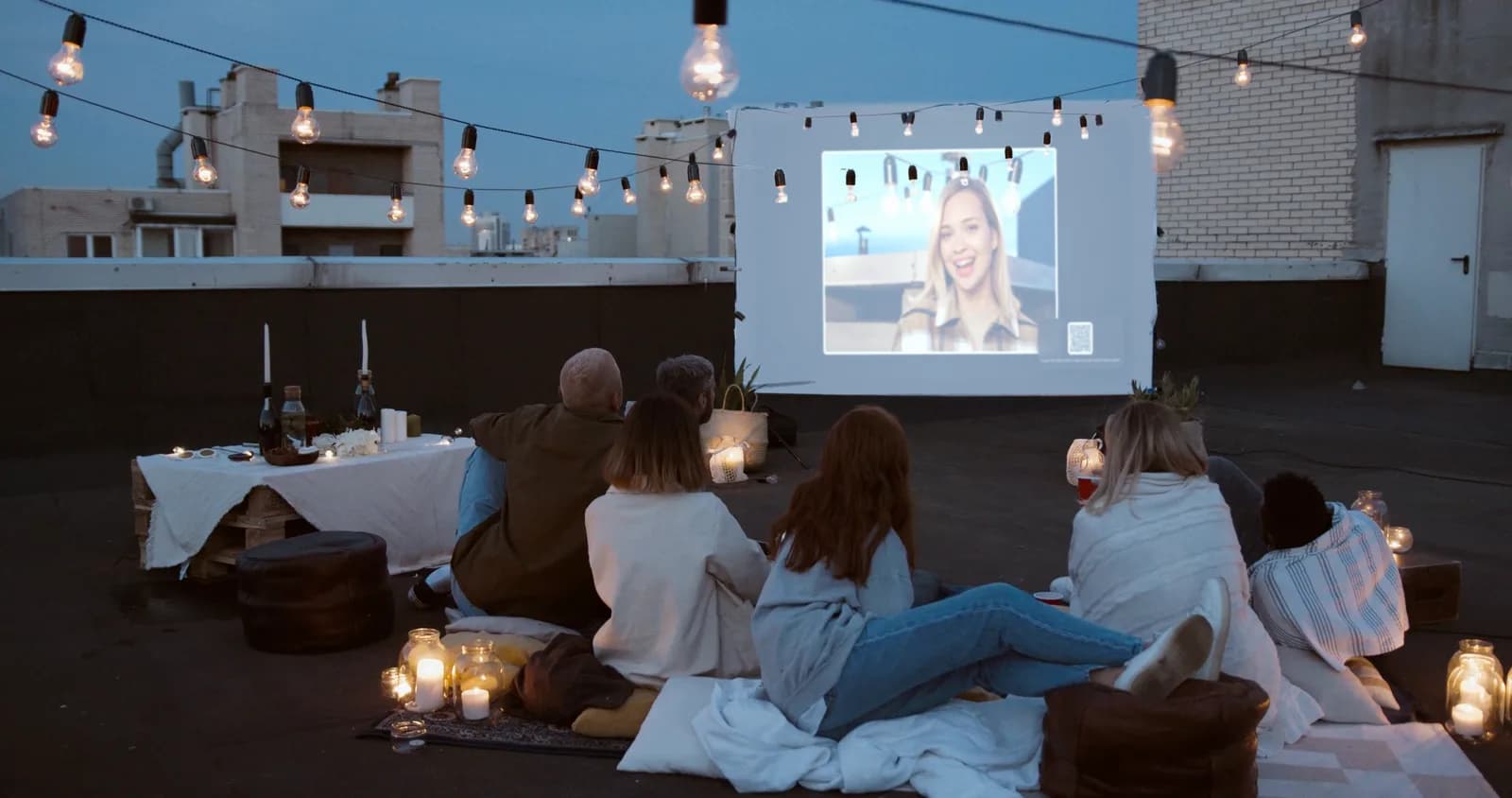
Most of the night gets captured on phones and never seen again. A live photo wall brings those photos back into the room. Guests scan a QR code, choose a photo from their phone and send it, without installing an app or creating an account. New photos appear on the TV or projector as the party goes on, or, if the organiser prefers, only the photos they pick.
It works alongside everything else on this list. People join when they have a moment, the screen keeps changing all night, and the organiser can hide any photo from the screen at any time. Afterwards, the photos stay in the event gallery for your plan's storage period, so you can save the ones you want.
To show the wall, open it in a web browser on a laptop or similar device connected to the venue's TV or projector, with an internet connection. CandidCrowd has a free plan to try it, and paid plans add more wall styles and a one-click download of every photo.
Turn photos into an optional party activity
A short list of photo prompts gives people a reason to take part without turning it into a formal game. Print three or four on the same card as the QR code and let guests pick whichever they like.
- The best festive detail in the room
- Your table, mid-laugh
- The most dedicated Christmas jumper
- A team photo with someone you rarely work with
Games and entertainment that leave room to socialise
Keep organised games short, around ten to fifteen minutes, and schedule them early, before people settle into conversations. A quiz between dinner courses or a quick round of Christmas bingo works better than a long programme.
Leave plenty of unstructured time after that. Drop-in activities, like a photo wall, a dessert table or a playlist request board, let quieter colleagues take part on their own terms.
A simple setup checklist for the day
Most party problems come from small things that nobody checked. Run through this list before guests arrive.
- Confirm the venue has a screen or projector and how to connect a laptop to it
- Check the venue Wi-Fi, or have a phone hotspot as a backup
- Put the QR code where phones are already out: tables, the bar and the entrance
- Decide who keeps an eye on the photos and whether the wall shows every new photo or only picked ones
- Send one test photo yourself and watch it reach the screen
- Mention the photo wall once, early in the evening
Pick the ideas that fit your team
You do not need everything on this list. One shared moment, two or three easy extras and a clear plan for the screen are enough for a party people remember. If a live photo wall sounds like a fit, you can try CandidCrowd's demo in a couple of minutes, without signing up.
Frequently asked questions
What can we do at an office Christmas party besides drinks and a photo booth?
Mix one shared moment, such as a quiz or a short thank-you round, with drop-in activities people can join whenever they like: a dessert station, a team playlist or a live photo wall where guests send phone photos to the venue screen.
Do guests need an app to send photos to the screen?
Not with CandidCrowd. Guests scan a QR code and send photos from their phone's browser, without installing an app or creating an account.
Can the organiser control which photos appear?
Yes. The organiser can hide any photo from the screen at any time, or switch the wall to show only the photos they pick.
What equipment does a live photo wall need?
A TV or projector, a laptop or similar device connected to it, and an internet connection. The wall opens in a web browser, so there is no software to install.
Try it with your own event
Create a free event, scan your own QR code and upload a photo to see exactly what your guests will see.
CandidCrowd makes one of the tools discussed in this guide.
More guides
- QR code for wedding photos: how it works and how to set it up
- How to collect photos from wedding guests (without chasing anyone)
- Google Photos shared album for a wedding: does it work?
- Disposable cameras at weddings: the charm, the catch and the alternative
- Live photo wall for weddings: how it works and is it worth it?
- How to ask wedding guests for their photos: message templates