Why most guest photos never reach the couple
Nobody refuses to share. They just never get round to it. The photos sit on phones, get posted to a story, or go into a group chat where they are compressed and buried. A week later, the moment to ask has passed. Whatever method you choose has to be easier than doing nothing, and it has to be in front of guests at the right moment.
The options, honestly compared
Group chat (WhatsApp, iMessage): everyone already has it, but photos are compressed, videos are often reduced, and finding them later means scrolling through hundreds of messages.
Shared album (Google Photos, iCloud): good quality, but guests may need the same ecosystem or an account, and many will not know how to add to an album someone else created.
Google Drive or Dropbox folder: free and full quality, but uploading from a phone browser is clumsy and older guests struggle with it.
Disposable cameras: fun and nostalgic, but you pay for cameras and developing, many shots come out dark, and you only get what was on the tables.
Hashtag on Instagram: only captures what people choose to post publicly, at social media quality, and private accounts are invisible to you.
QR code upload page: guests scan, pick photos and upload in the browser. It works best when there is no app and no account, and when the link stays open after the wedding.
What actually gets guests to share
Whichever method you pick, these habits make the biggest difference:
- Ask at the moment phones are already out: tables, the bar, after the speeches
- Make the first step one tap or one scan, with no account
- Let people upload many photos at once, not one by one
- Send a friendly reminder the day after with the same link
- Ask one or two outgoing friends to share early, so others follow
- If you have a screen, showing a few guest photos during the evening reminds people the album exists
Where CandidCrowd fits
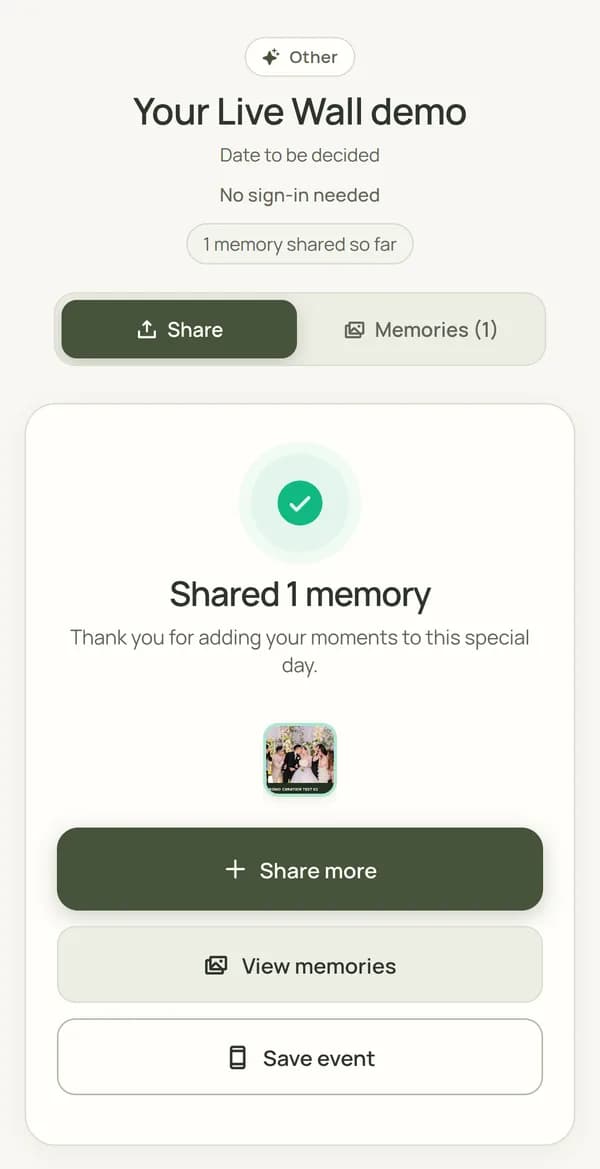
CandidCrowd is a QR and link upload page built for this. Guests share photos and videos in original quality without an app or account, you review everything in a private gallery, and you can show chosen photos on a Live Wall during the event. On a paid plan the same link keeps accepting uploads for weeks afterwards, so you can send the next-day reminder. A free plan lets you try it first.
Frequently asked questions
What is the easiest way to get photos from wedding guests?
Put a QR code in front of guests at tables and the bar that opens an upload page with no app or account, then send the same link the day after. Ease of the first step matters more than anything else.
Is a shared Google Photos album good enough?
It can work for a small, tech-comfortable group. For a mixed crowd, the need to find the album and add to it from the right account stops many guests. A browser upload page removes those steps.
When should I ask guests for their photos?
Twice: during the reception, when phones are already out, and the next day, when guests have time to pick their favourites.
Try it with your own event
Create a free event, scan your own QR code and upload a photo to see exactly what your guests will see.
CandidCrowd makes one of the tools discussed in this guide.
More guides
- QR code for wedding photos: how it works and how to set it up
- Google Photos shared album for a wedding: does it work?
- Disposable cameras at weddings: the charm, the catch and the alternative
- Live photo wall for weddings: how it works and is it worth it?
- How to ask wedding guests for their photos: message templates
- Office Christmas party ideas that guests can actually join